KR EN

Schematic Viewer

Trace Circuit Structure and Net Connectivity
on a Single Screen

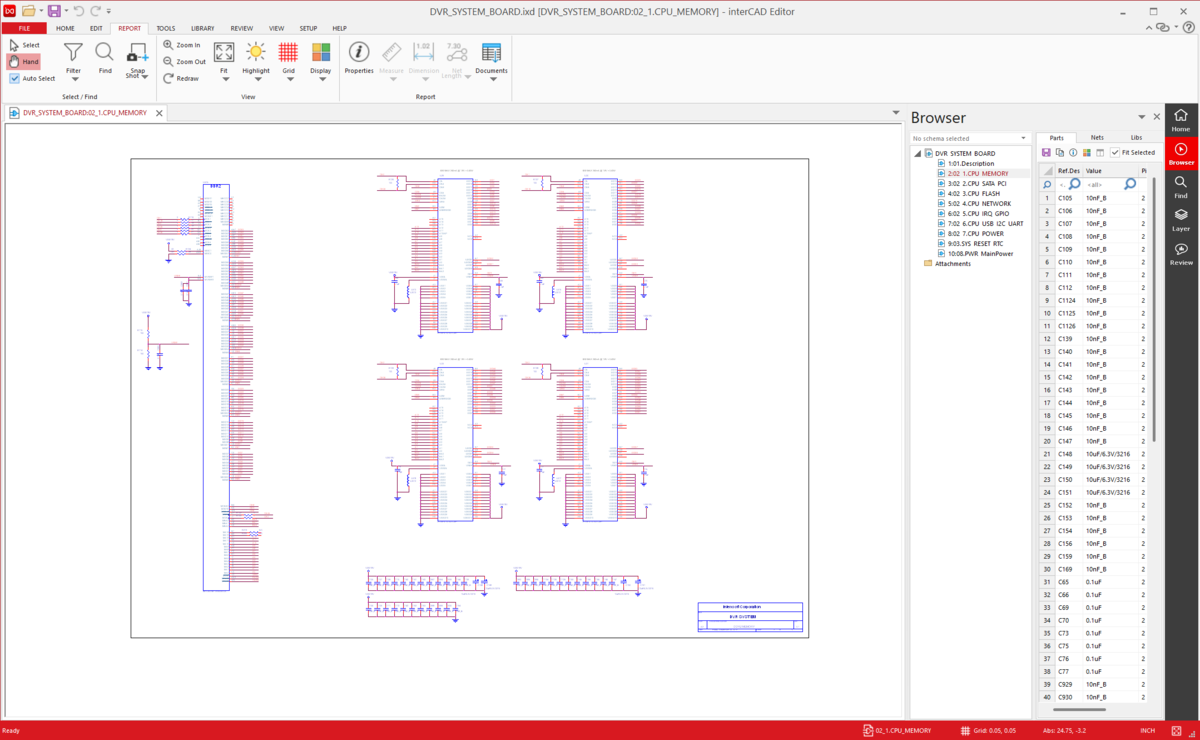
Open schematics from multiple ECAD tools in one environment and trace symbols, pins, and net connections as you review.
Cross-probe with the PCB to move between schematic and layout while verifying the design.

interCAD Viewer preview

Import File Formats

Supports a Wide Range of
Schematic Data

Quickly open various Schematic data without separate ECAD software,
and intuitively review sheet structures and symbol·net information.

  • EDIF Schematic
  • Altium Designer Schematic
  • OrCAD Capture
  • PADS Designer
  • PADS Logic
  • Xpedition Designer
  • Zuken Schematic

info Tool installation and license required: Allegro, Board Station, Xpedition, PADS Pro, Zuken files

Design Review

Leave comments directly on the drawing
and share them instantly with teams and partners

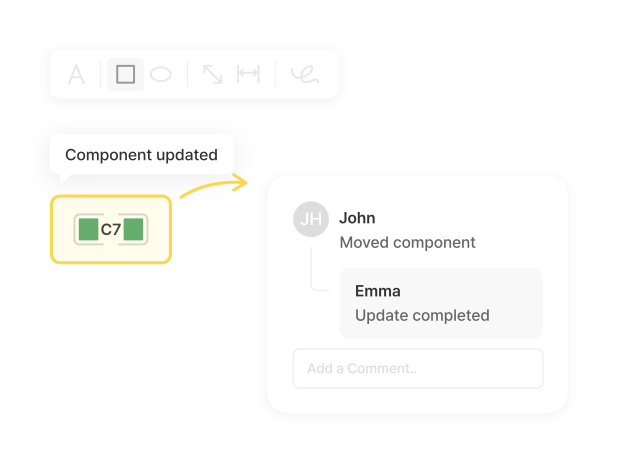
Using text and shape markup tools, you can record review comments at the exact location on the drawing.
The records are linked to the viewer so anyone on the team can review feedback in the same context, reducing miscommunication.

Cross-Probing - APP

Review in real-time
with seamless external tool integration

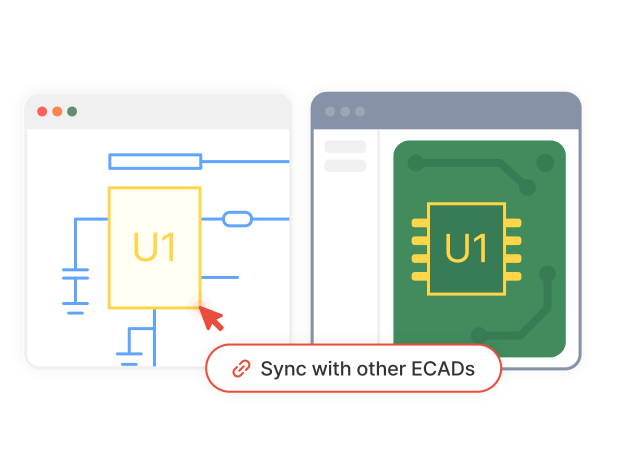
When you select a component or Net in the schematic, the same element is instantly highlighted in the PCB,
and it works in the opposite direction as well. Eliminate the repetitive task of manually locating components
and dramatically speed up design review.

Highlight

Highlight specific components or signals
for fast navigation

Highlight specific components, Nets, and Signals with colors
to intuitively review connection relationships and key signal flows within complex schematics.

Features

Basic Features

Provides Snapshot, Library, Report, and Hotkey features that boost design review efficiency.

photo_camera

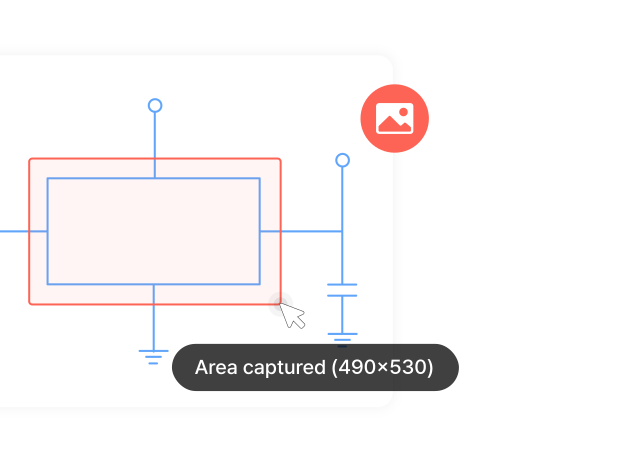
Snapshot

Instantly capture the current view to save your review state as an image and share it with your team right away.
Useful when you want to visually record a specific issue or review point.

mouse

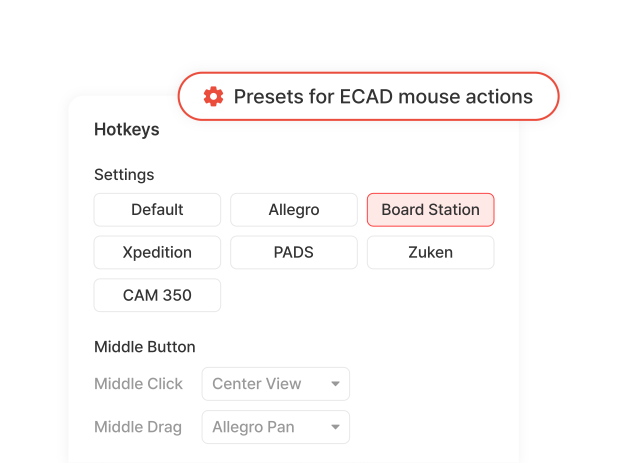
Hotkey

Assign your own shortcuts to frequently used functions to reduce repetitive menu clicks.
Keep the shortcut environment of your existing ECAD tools, or build a unified environment across your team.

summarize

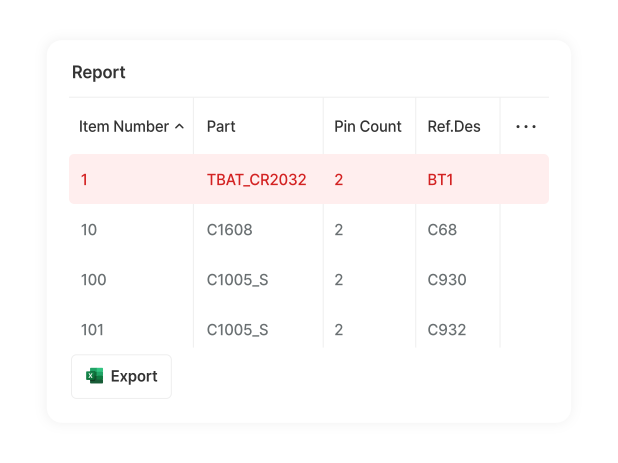
Report

Quickly review design data in an organized report format.
Extract schematic data such as component and Net information into list form to make design review and data analysis more efficient.

library_books

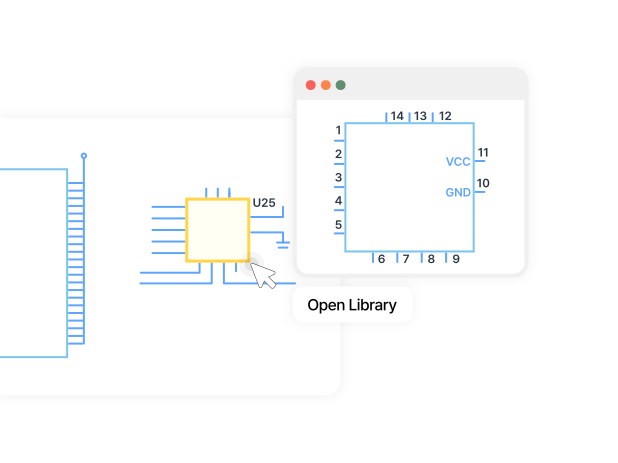
Open Library

Open the component library directly without leaving the viewer to instantly check symbols, footprints, and component properties.
Eliminate the hassle of switching to a separate program when you need component information during review.

interCAD, Start Your Free Trial Today!

Familiar environment, powerful performance.
Get started with just one click.

Free Trial
Contact us KakaoTalk TOP