KR EN

Allegro Translator

Move Designs from Other ECAD Tools
into Allegro with No Rework

Resolve data-compatibility issues across heterogeneous ECAD environments
and precisely convert libraries, parts, and routing into the Cadence Allegro environment.

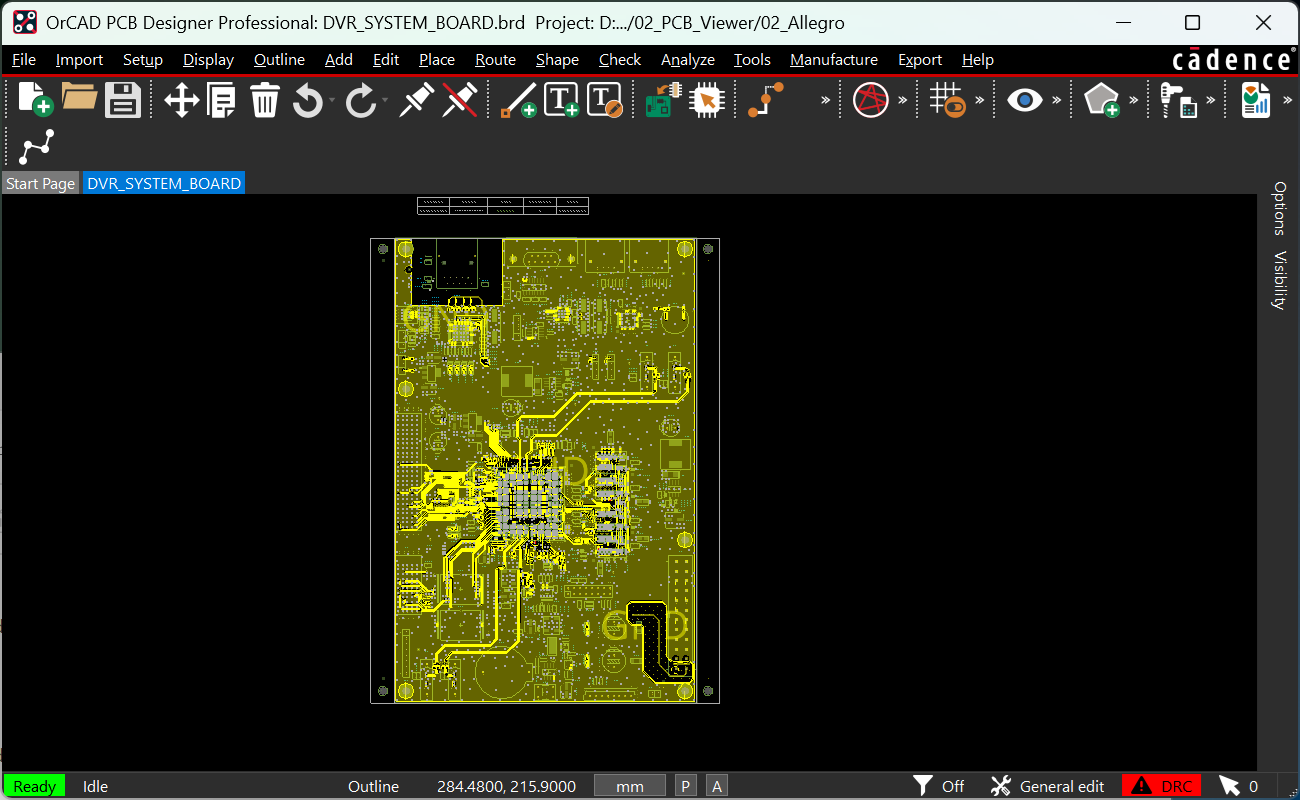
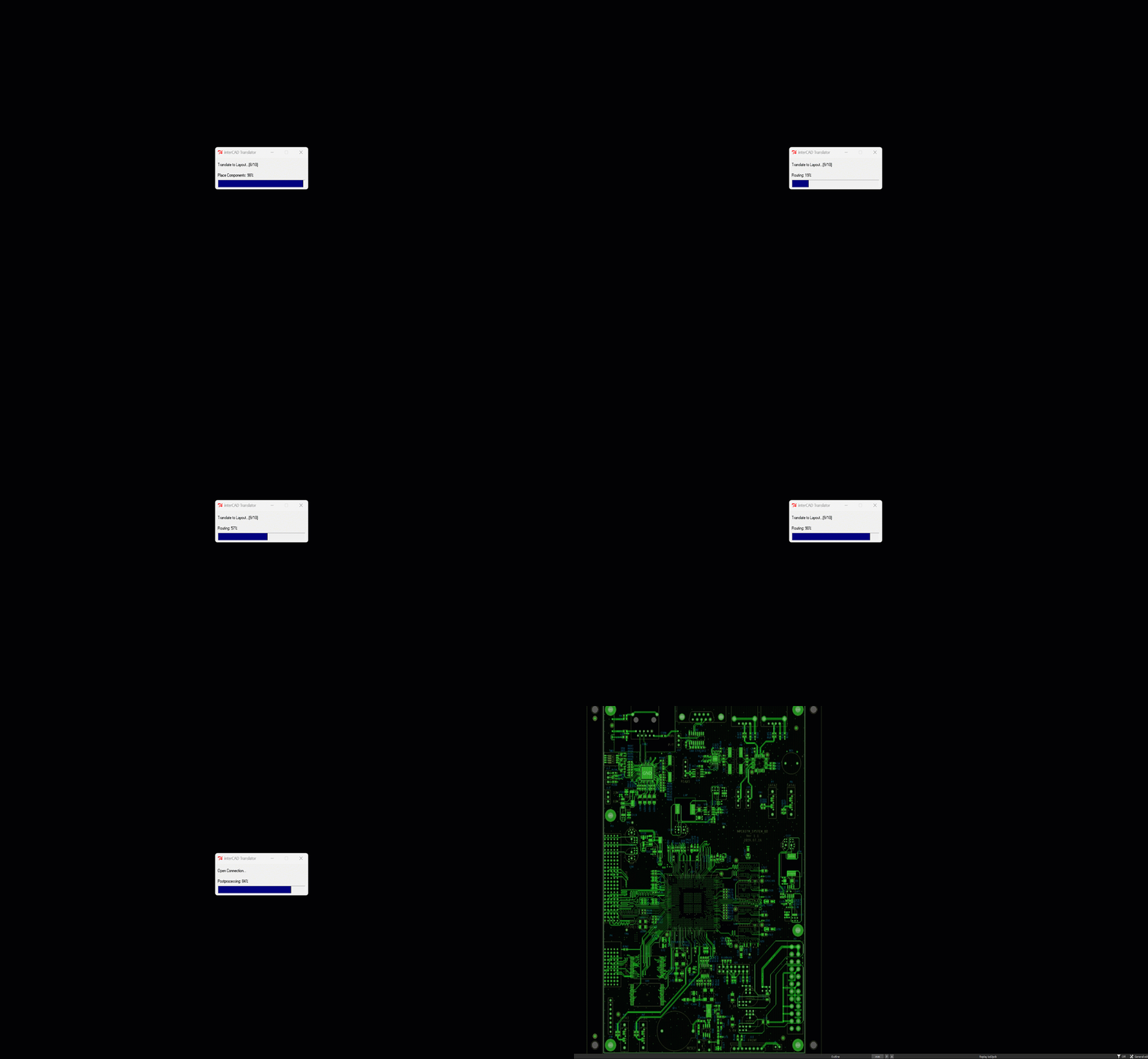
Allegro Translator preview

Supported EDA Tools

Find the Conversion Path You Need

Reliably convert PCB data between major ECAD tools for efficient data integration,
even across heterogeneous design environments.

  • check Supported
  • Partial Partial
  • remove Not supported
  • 26Qn Coming soon
From ↓  /  To → Allegro Xpedition PADS PADS Pro BSXE Zuken DXF
Allegro check check check check check check check
Xpedition check check check check check Partial check
PADS check check check check check Partial check
PADS Pro check check check check check Partial check
BSXE check check check check check remove check
Zuken check 26Q4 26Q4 26Q4 remove check check
Altium 26Q4 26Q4 26Q4 26Q4 remove remove check
DXF remove remove remove remove remove remove check
Gerber remove remove remove remove remove remove check

Version Check

Check Supported Versions

Select Import and Export formats to instantly view supported version information.

arrow_forward

Process

Allegro Translate Process

  • 01
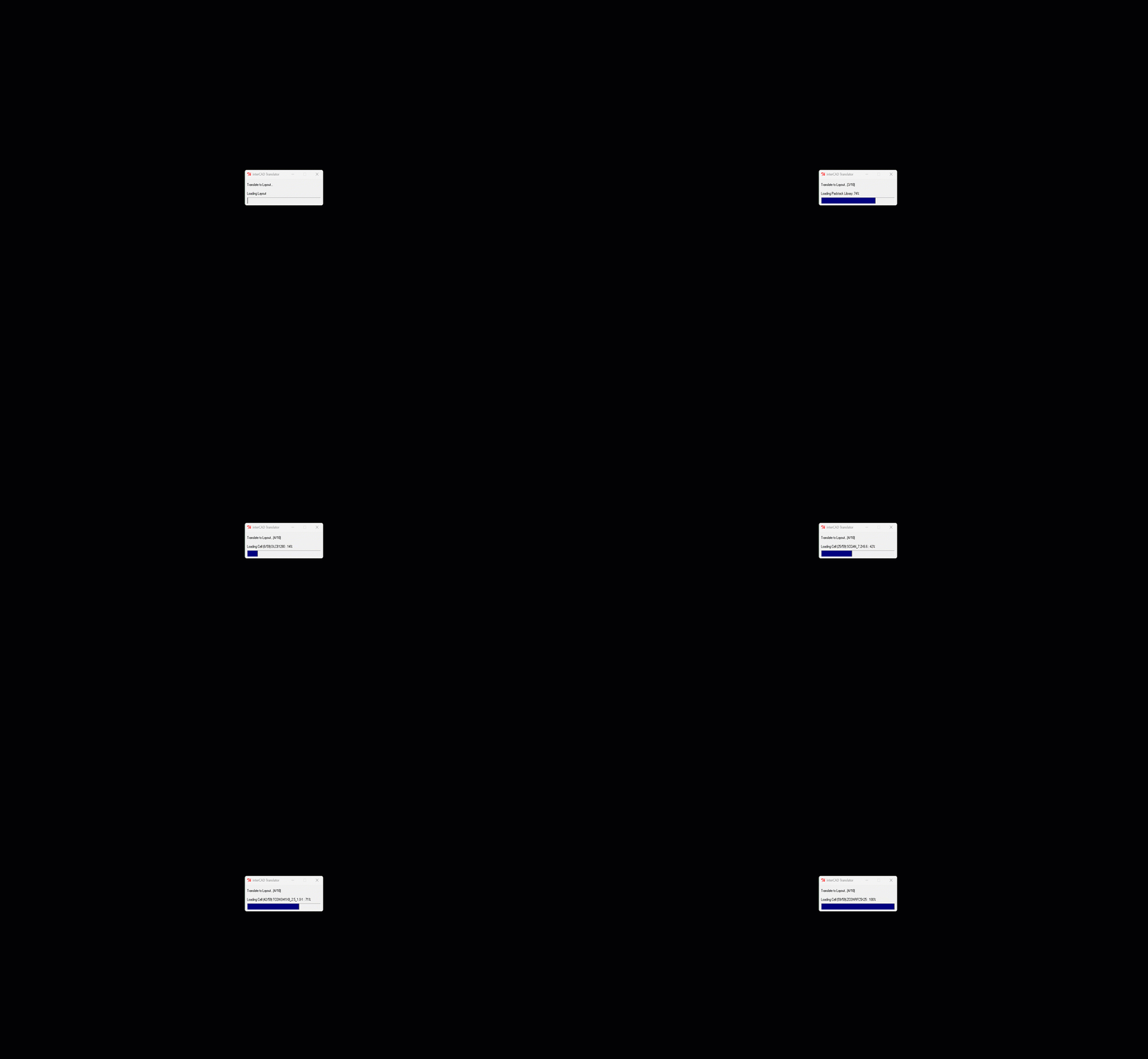
    Allegro Library Conversion

    Library Conversion

    Precisely converts component libraries defined in heterogeneous ECAD systems into a format ready for immediate use in the Allegro environment. Symbols, footprints, and component attribute data are converted without loss, maximizing data compatibility so you can start designing right away.

  • 02
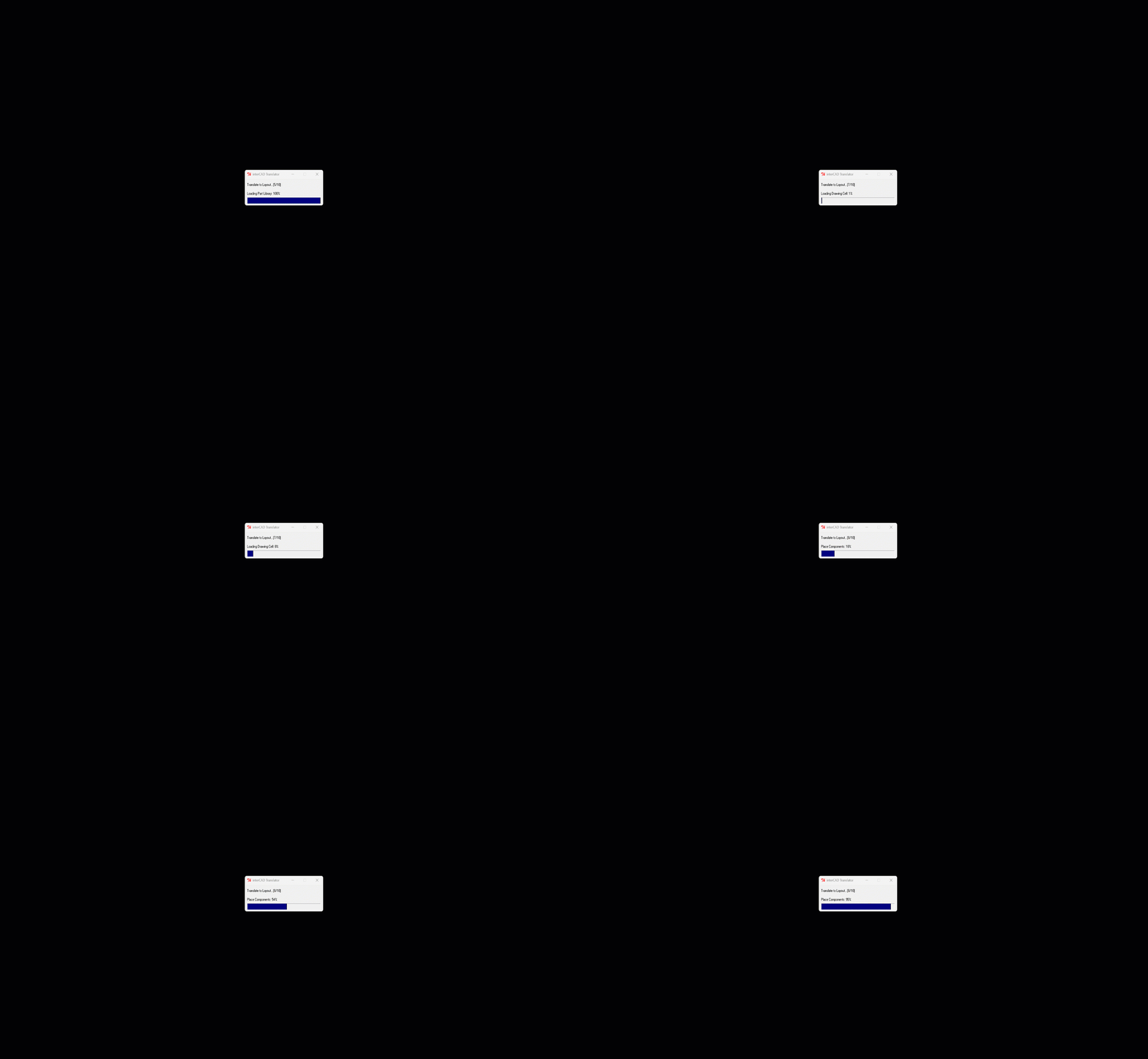
    Allegro Parts Placement

    Parts Placement

    Precisely transfers component placement data (position, rotation, board side, and more) generated in the source ECAD system into the Allegro environment. Maintaining data consistency minimizes re-placement and review time and dramatically reduces additional layout rework after conversion.

  • 03

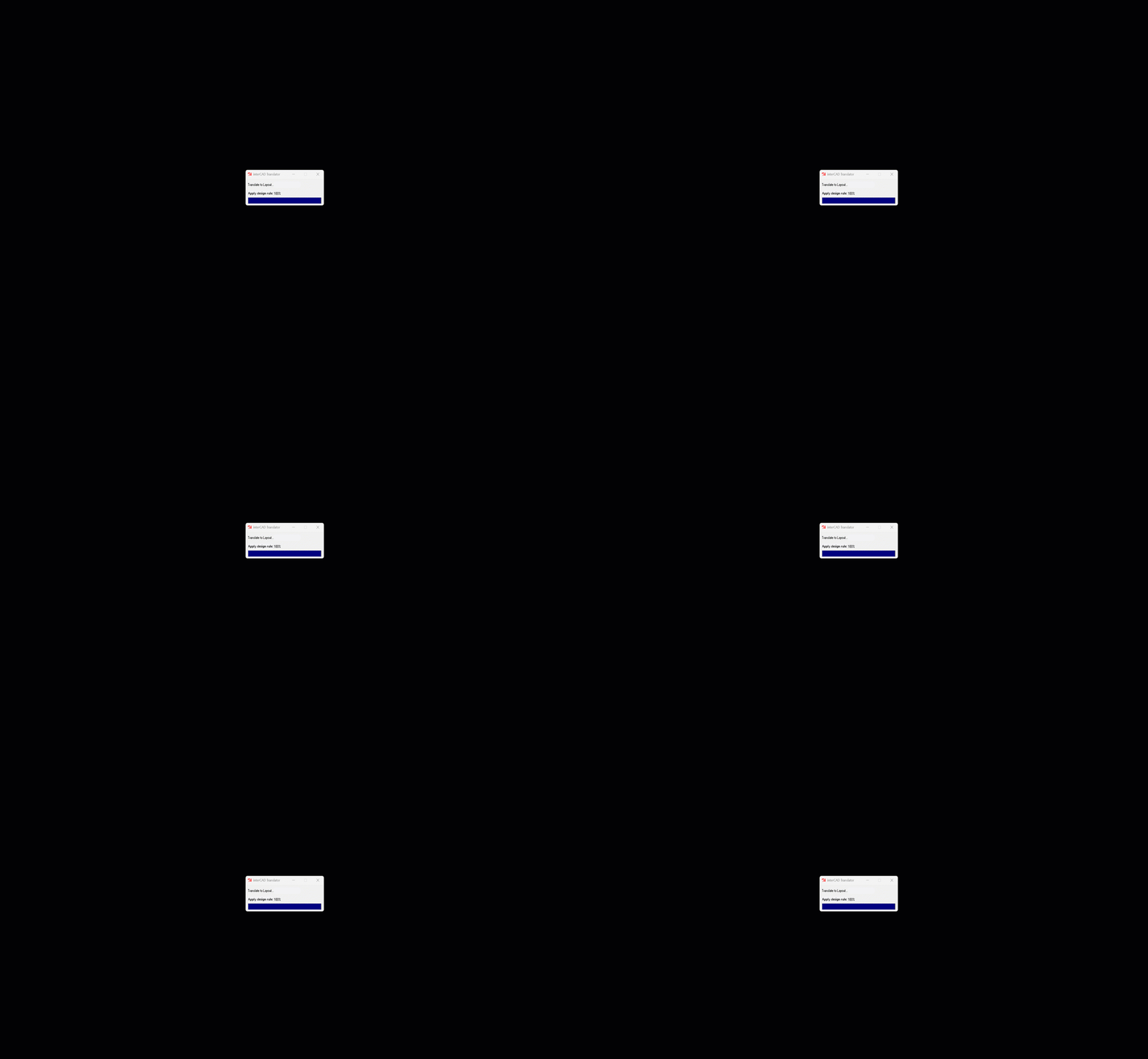
    Rule Application

    Design rules defined in heterogeneous ECAD systems—clearance, trace width, via, net class, and more—are converted into Allegro’s Constraint Manager–based Design Rules. Even constraint data that never appears on the drawing yet governs Routing and Fill is carried over, so you can continue Routing on rule-compliant data without having to redefine or recheck a single rule.

  • 04
    Allegro Routing and Fill

    Routing & Fill

    Converts the routing paths and copper fill data of the original ECAD design while accurately preserving them in the Allegro environment. Electrical connectivity and copper areas are retained even across heterogeneous data conversion, greatly reducing the need for separate Routing & Fill work afterward.

interCAD, Start Your Free Trial Today!

Familiar environment, powerful performance.
Get started with just one click.

Free Trial
Contact us KakaoTalk TOP