KR EN

Gerber Viewer

Verify Manufacturing Gerber Data
Before Release, Without the Original Tool

Open Gerber and drill fabrication data without separate ECAD software or the original license,
and check missing layers, drill alignment, and pad and aperture dimensions before release, handing off to manufacturers and assemblers while viewing the same screen.

Released: Jul 15, 2026   Size: 19.7Mbyte
By downloading, you agree to the Terms of Use.
View Other Formats
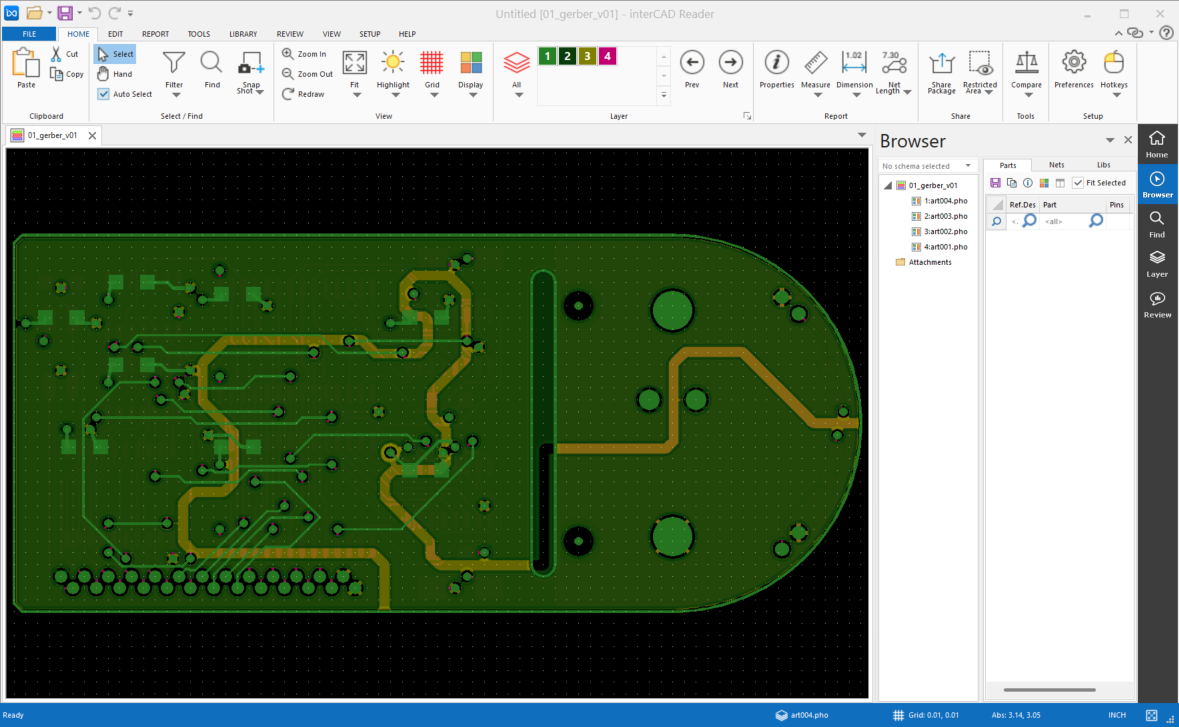
interCAD Viewer preview

Import File Formats

Broad Gerber Fabrication Data Support

Quickly open the Gerber output formats and drill data widely used across the industry without installing extra tools,
and intuitively review layer structures such as copper, solder mask, and silkscreen.

  • .gbr
  • .274X
  • .pho
Design Review

Leave feedback on the drawing and review it with your team and partners

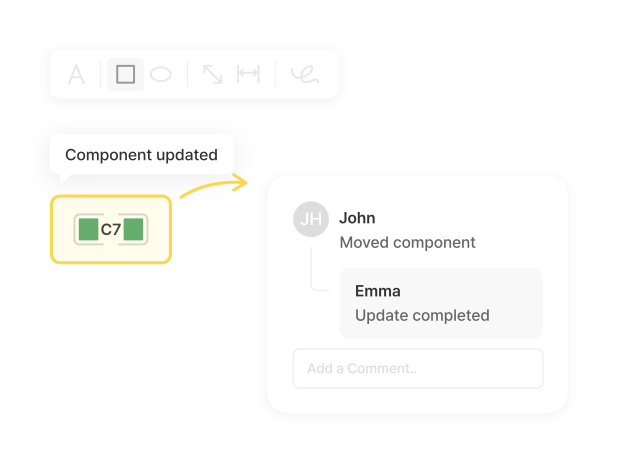
Add comments where you need them with a single click, manage review history, and capture the screen to share instantly. Designers, CAM, and DFM reviewers finalize fabrication data on the same screen before mass production, and markups and snapshots carry straight into work instructions and review documents.

Layer View

Toggle layers on and off to check everything at a glance

Freely turn copper, solder mask, silkscreen, and drill layers on or off or overlay them to check whether drills align over pads and whether any layer is missing before release. Compare multiple sets of fabrication data in one view to verify that the design intent matches the released data.

Measure

Measure clearance, trace width, and drill dimensions precisely

Measure trace spacing, line width, pad and aperture sizes, and drill diameters in a few clicks. Verify that annular rings and clearances meet manufacturing standards before release, so you can catch DFM and DRC risks before handing data to the manufacturer.

Highlight

Highlight the traces or areas you want for fast navigation

Highlight specific traces, apertures, or areas in color to follow patterns and shapes intuitively within complex data. Narrow the review scope to just the part you are checking and quickly find where to leave comments.

Features

Basic Features

Provides Snapshot and Hotkey features that boost fabrication-data review efficiency.

photo_camera

Snapshot

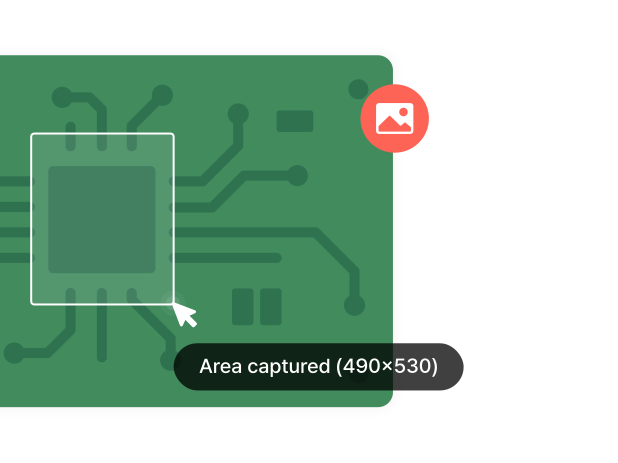
Instantly capture the current view to save your review state as an image and share it with your team right away.
Useful for visually recording a specific issue or review point.

mouse

Hotkey

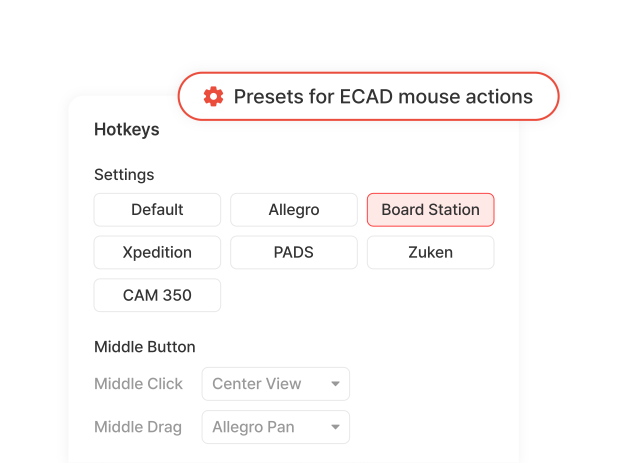
Assign your own shortcuts to frequently used functions to reduce repetitive menu clicks.
Keep the shortcut environment of your existing ECAD tools, or unify it across your team.

interCAD, Start Your Free Trial Today!

Familiar environment, powerful performance.
Get started with just one click.

Free Trial
Contact us KakaoTalk TOP