KR EN

ODB++ Viewer

Analyze ODB++ Manufacturing Data
Without the Original Tool

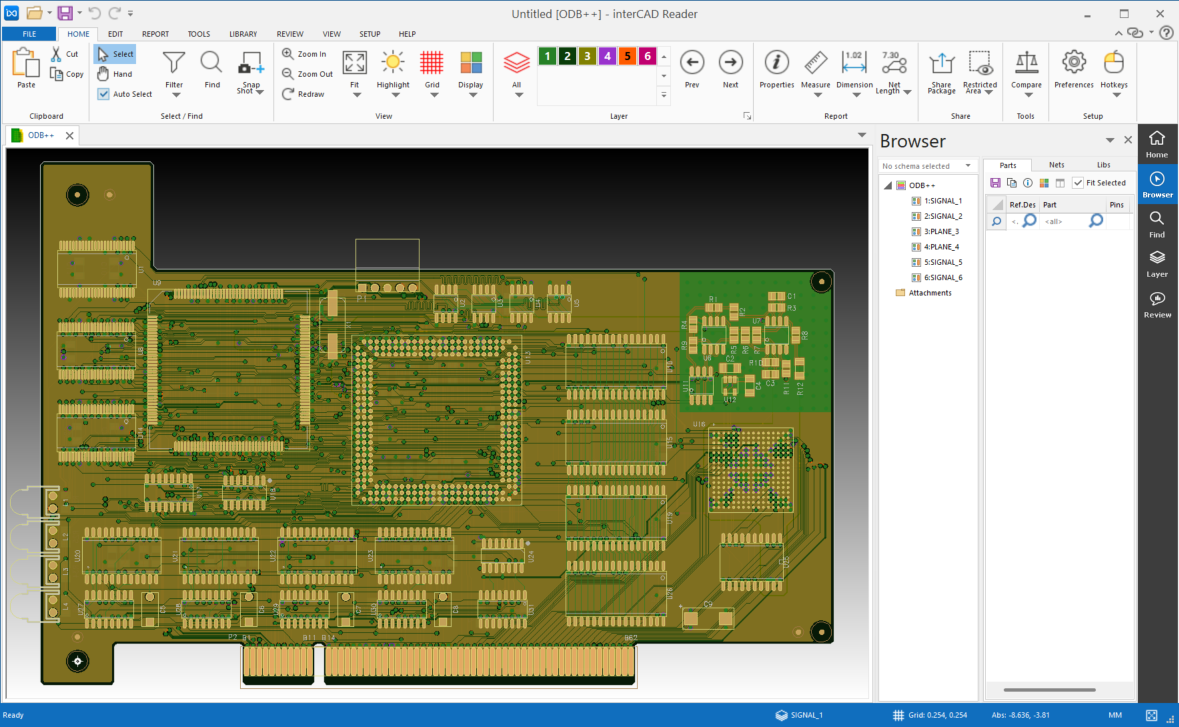
Open the layer structure, components, and net connectivity packed into a single ODB++ database on one screen, without the original design tool or a separate license.
Quickly check whether the manufacturing data matches your design intent before release, and finish pre-shipment verification while viewing the same data as your partners and reviewers.

Released: Jul 15, 2026   Size: 19.7Mbyte
By downloading, you agree to the Terms of Use.
View Other Formats
interCAD Viewer preview

Import File Formats

Broad ODB++ Data Support

Open a wide range of ODB++ data whether compressed or not,
and review the layer structure along with component and net information all at once.

  • ODB++ folder
  • .tar
  • .tar.gz
  • .tgz
  • .zip
Design Review

Measure right on the drawing and review it with your partners

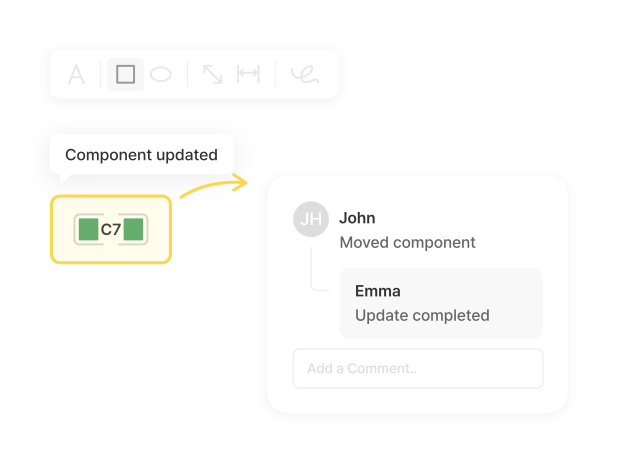
Measure clearances, pad spacing, and pad dimensions directly on the drawing, and leave click-based markups and comments where they matter. Review notes and snapshots build into a history that carries straight into work instructions for manufacturers and assemblers and into design review documents.

Layer & Stackup

Check the layer structure and stackup at a glance

Visually expand the full layer composition and stackup in ODB++, along with the copper and drill data on each layer. Check pre-release items such as missing layers or drill alignment without the original CAD, and verify that the released data was built as the design intended.

Component & Net

Follow component and net connections for fast review

Select individual elements such as components, pads, and vias to check details like net length, drill, and dimensions, and follow net and trace connections to trace relationships. Use the net and component information in ODB++ to review what graphics alone can miss.

Highlight

Highlight specific components and nets to pinpoint them fast

Highlight the components, nets, and traces you need in color to single out connections and signal flow even within complex ODB++ data. Narrow down what to review at a glance, or move quickly to the next step such as sharing with partners.

Features

Basic Features

Provides Snapshot and Hotkey features that boost manufacturing-data review efficiency.

photo_camera

Snapshot

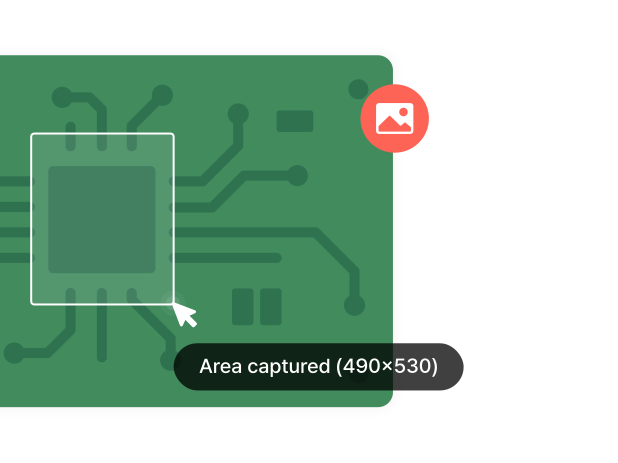
Instantly capture the current view to save your review state as an image and share it with your team right away.
Useful for visually recording a specific issue or review point.

mouse

Hotkey

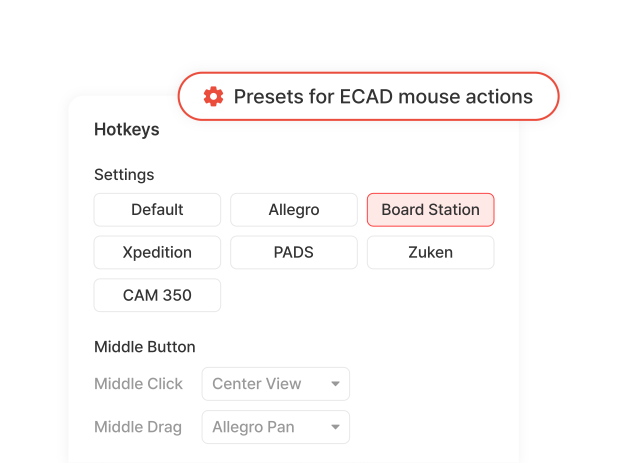
Assign your own shortcuts to frequently used functions to reduce repetitive menu clicks.
Keep the shortcut environment of your existing ECAD tools, or unify it across your team.

interCAD, Start Your Free Trial Today!

Familiar environment, powerful performance.
Get started with just one click.

Free Trial
Contact us KakaoTalk TOP